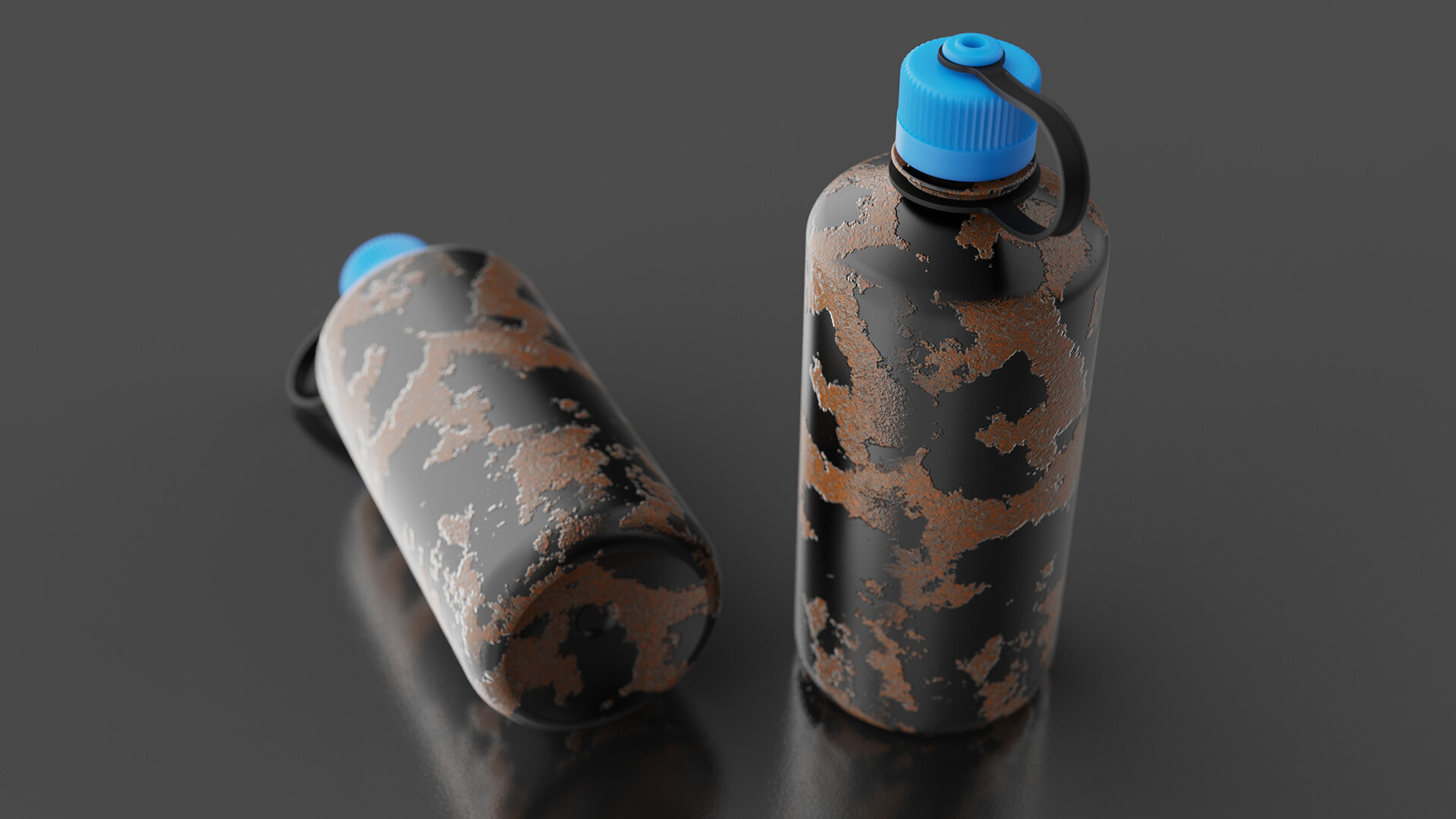
Seamless Textures
In this KeyShot Quick Tip, we'll take a look at how to create seamless textures without having to jump between programs. You'll apply your texture and use the Tri-planar texture type 'Blend Seams' option to add and adjust the texture seams on your model.
Read the blog post and download the model: https://blog.keyshot.com/seamless-textures-keyshot
Try KeyShot: https://portal.keyshot.com/try/keyshot